
How hard is Projecting Instead of Printing PDF Digital Patterns
(No more printing, tracing and storing PDF files)
I’m a bit late to the party, but I finally decided to give the projector option a real go. What changed my mind is that I finally have a dedicated cutting table in my craft /sewing room. It was time to focus, so to speak.
I dabbled a few times into the technology but since I usually cut patterns on my dining room table, I thought it wasn’t really for me. Also, all of the complicated details seemed a bit much for something I didn’t see would be that big a benefit. So here I am eating crow.
What is Projector Sewing?
When you purchase digital patterns online, you receive the pattern pieces and instructions in a regular size PDF file and a second file for large format printing in a print shop. Often now, you may also be offered another kind of digital pdf specially created for a projector. If you purchase sewing patterns online, you have probably seen this option offered by many pattern designers.
Projector specific PDF files arrange the pattern pieces differently, but any digital pattern file can be used to project onto your table for cutting.
The digital file is mirrored from your computer or mobile device to a projector. The projector then shines the pattern outlines downwards onto a cutting table where you lay out your fabric. The image must be calibrated so that an inch reflected is an actual inch in the pattern. You can then just cut out the pieces shown. Then move around the fabric and images to go to the next piece until they are all cut out.
I thought the process to get up and running was full of roadblocks, so I went forward one step at a time.
Table of Contents
- Choosing a Location
- Choosing a Projector
- Connection: HDMI or BT
- Software & Calibration
- Cutting
- Advantages
1. Choosing a Location – First Roadblock Solved!
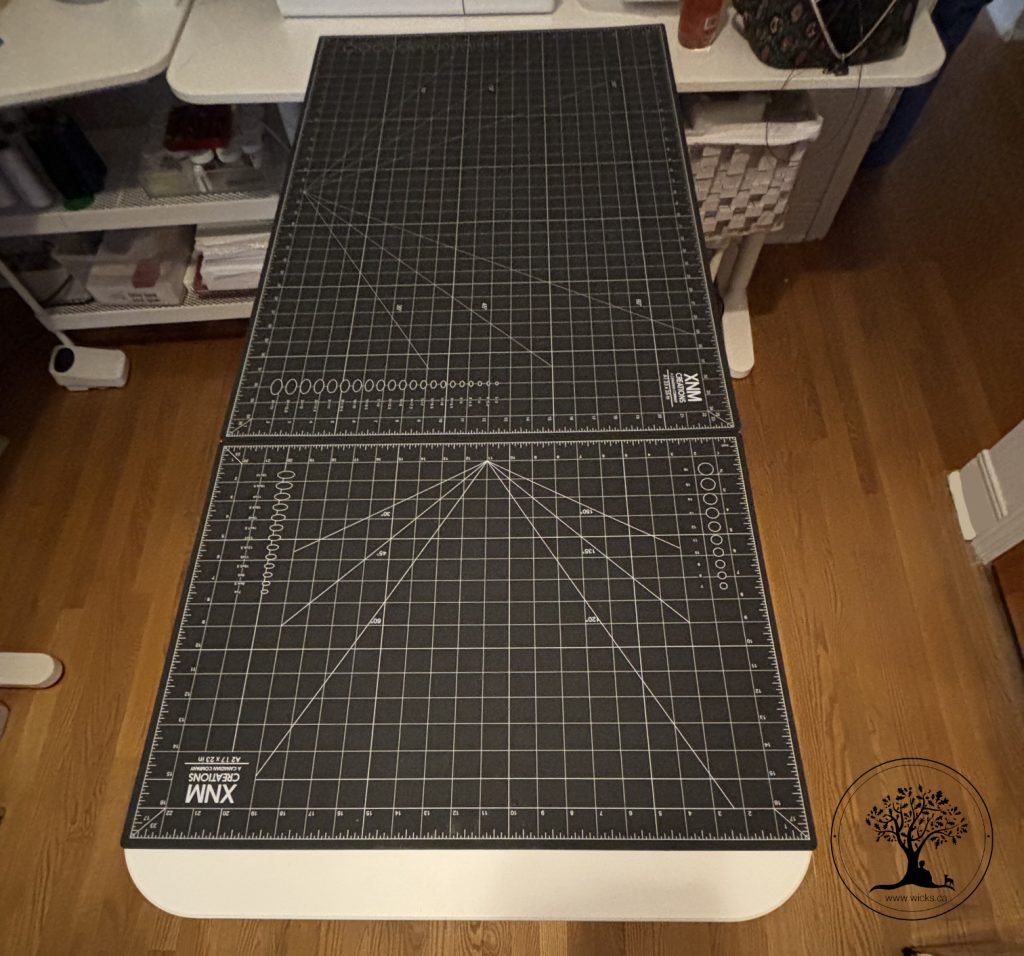
This is somewhat related to the projector you will use. I was stuck in a rut with this problem. If you can get a hold of a reasonably priced ultra short throw (UST) it can be put on a shelf next to the cutting table without needing to be permanent. However, for me, I couldn’t find a reasonable priced UST so I realized I would have to fix the projector to the ceiling. This seemed to be a bad option since I cut in my dining room and I gave up again. Finally, after a few months (years?) shuffling furniture and priorities, I got a cutting table into my craft room and the way opened up for a permanent ceiling fixture in my craft room ceiling.
My older IKEA table is 24″ x 55″. I secured two cutting mats onto the surface, a 35″ x 24″ and an 18″ x 24″. I used Gorilla glue removable mounting putty to stop them shifting on the table.
2. Choosing a Projector – Second Roadblock Solved!
So many decisions! I started by trying to understand all the technical details of throw ratio, lumens, minimum distances, etc. I almost gave up – again. In the spirit of moving forward, I looked up the cost of a popular projector. Surprise, surprise! It was on sale for $68 CAD and so I just bought it. I figured if it didn’t work for sewing, it would be a relatively inexpensive and fun way to watch movies or even Paw Patrol with the grands. I purchased the Magcubic Mini Projector HY320Pro (regularly $98 CAD).
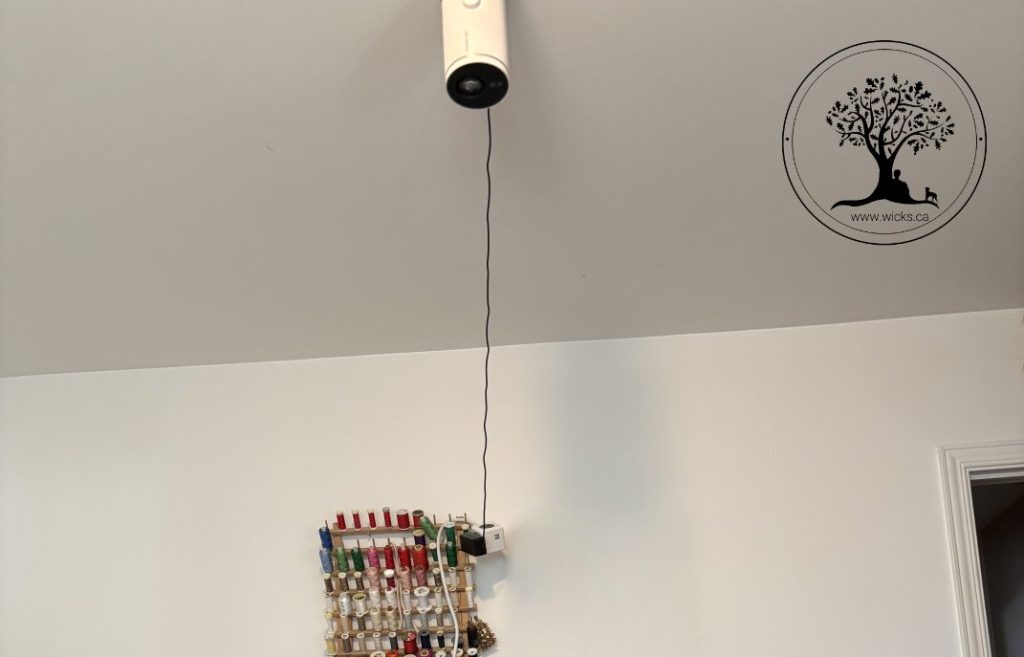
Using various tripod configurations didn’t work because the image was too angled for good calibration. After a few too many hours of frustration, I bought a Drill Free Ceiling Mount compatible with the Mini Projector (which uses a strong glue with the option to add a few screws – which I did). The power cord is very short and I had to jerry-rig an extension cord up to the ceiling. This projector comes with a remote so I can turn it off and on without having to climb a ladder.
Hey, so far so good!
Power on and shining onto my mat!
3. Connection to computer
There is an HDMI interface available for this projector, but I didn’t have a long enough HDMI cord to reach from the computer to the ceiling. I went into the set up of the projector to allow Bluetooth connections and then went into the “screen mirroring” on my Mac. I waited a few minutes the first time to make the Bluetooth connection, but after that it went much faster. The screen mirroring function worked well and I added the icon to my top menu to find it faster in the future.
4. Software
Okay, so I have the camera shining my computer screen onto the mat. Now I needed to calibrate the size of the reflection. The size of the refection had to be the actual size. That is 1″ on the table has to be exactly a one 1″ in the pattern. Much like having to measure the one inch square on the printed patterns.
Using a chrome browser (Safari or Firefox didn’t work for this program), I navigated to https://www.patternprojector.com/en There is a button to start calibration and an instruction video.
TIP: Being tech savvy, I stupidly went in to calibrate first without watching the tutorial and got frustrated again up big time. Don’t do what I did. Take the time to watch the video and it will save you so much time and frustration. It also gives you an idea of the other things you can do with the program tools.
After going back and listening to the full tutorial on how to calibrate, I loaded a file of a regular A4 PDF pattern! I clicked on the layers for the size I wanted and voila!
OMG it worked! I double checked by using a ruler to measure the 2″ x 2″ square reflected on the mat. Exact.
I also finally realized that when a part of the image is calibrated, the whole mat is calibrated! You don’t have to calibrate the entire size of your surface – just a good portion of it on four corners and those dimensions keyed in.
5. Cutting
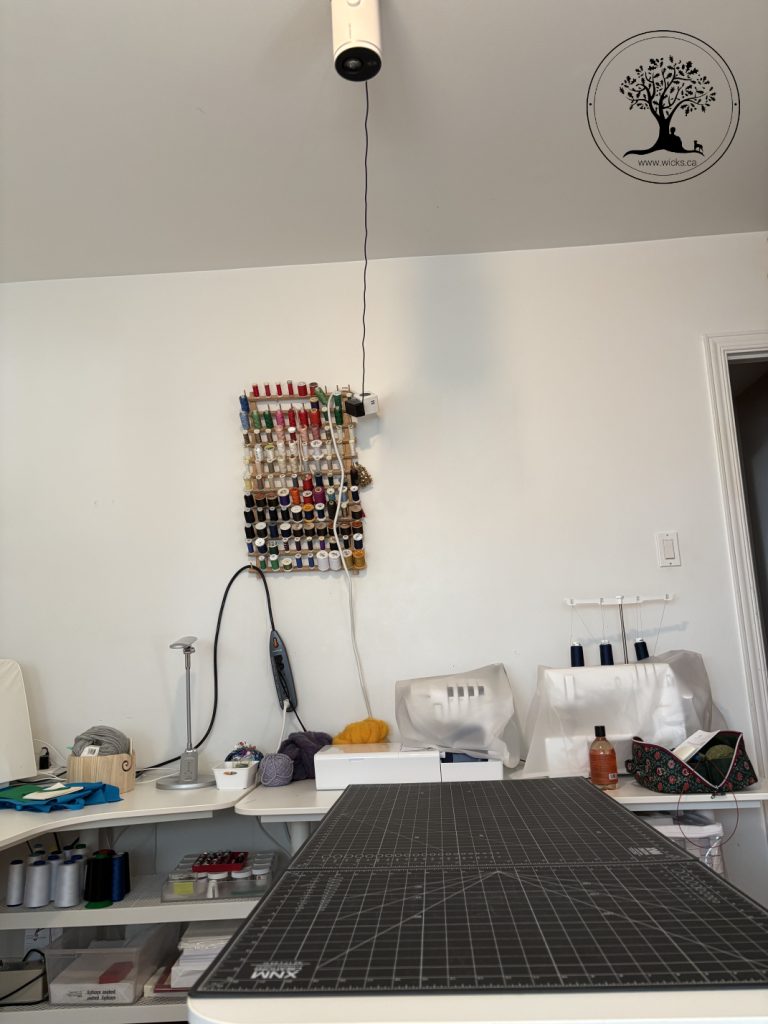
I’m not sure exactly why, but cutting was just so so much easier that using a paper pattern. No worries about the paper shifting cutting into it. The first few times, I just cut directly onto the fabric, but for some fabrics, I still used my pattern weights so it didn’t shift. I just want to keep cutting up patterns.
There are some things to learn with the software like moving the pieces into place for cutting on the fold and how to cut larger pieces that fall off the table. No worries though, there are many tutorials and experts ready to help you with questions in the Facebook group. I needed to cut some pieces on the bias so I learned how to flip the image around a bit too. Very intuitive.
I found I needed a way to good way to mark and organize my cut pieces as I don’t have a paper paper piece to affix to each piece anymore. Good organization here is needed for cutting multiples in the different fabrics, like interfacings or linings for example.
Advantages
The most obvious one of course is NO MORE PRINTING AND TAPING! That is huge for me. Also, I used up so much space storing and organizing my paper patterns. I’m not ready to throw them out yet, but I may get there. Same pattern, different sizes? I laugh at you. No more cutting out a whole new set of pattern pieces because some little person has gone up a size. Just click a few buttons and project the larger size! So great.
Now, there is so much support and great advice on the Projectors for Sewing Facebook group. They are great for information and alternative methods for how to modify and make adjustments to patterns such as shortening or FBA. Options include editing the electronic file or cutting out the pattern on paper to make a personalized pattern piece. The implementation has options that work for you and your process.
So that is my journey so far as it is still early days with my projector. Pleas do let me know if any of this has helped you at all in making your own decision to project.


